
Keep With A View
A 2D platformer made with Godot.
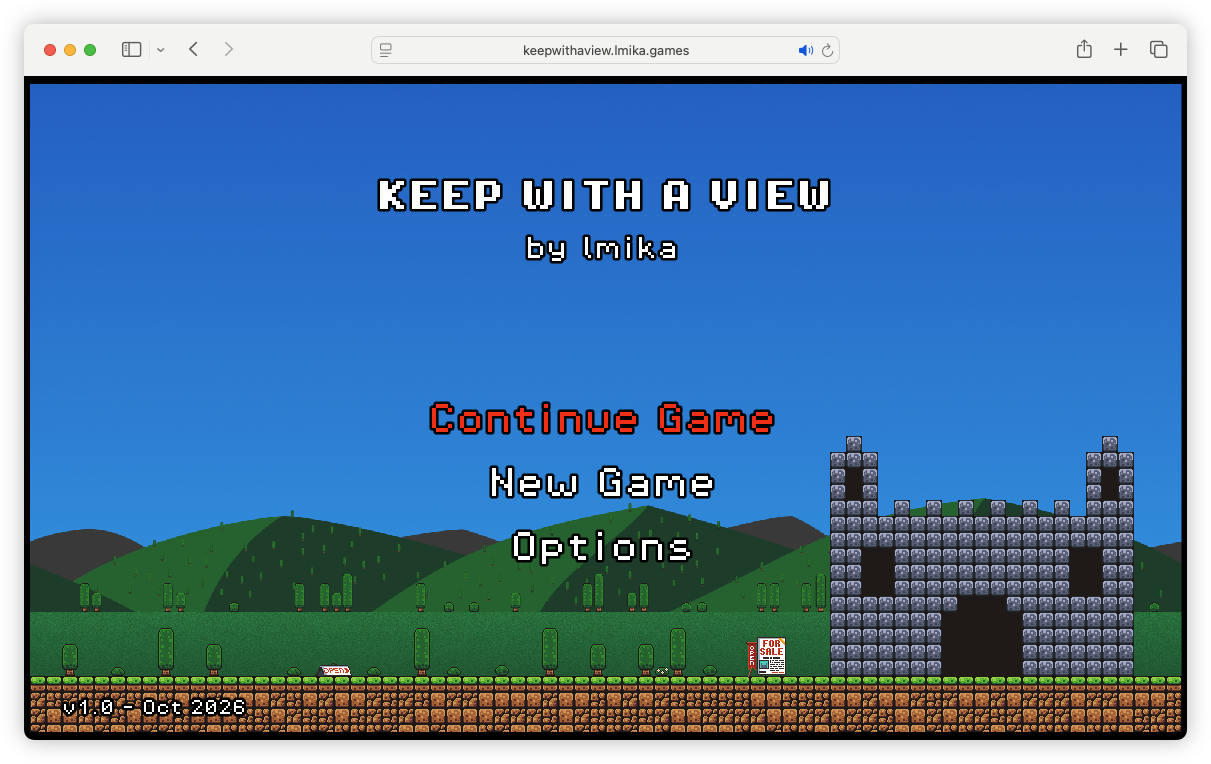
This game can be played entirely within a desktop browser. A Chromium browser is definitely recommended: while it might work in Safari 18.4 or later, some crashes could occur which will require a page reload. A keyboard is required.
Controls
- Movement: arrow keys, or WASD
- Jump: SPACE or ENTER
- Activate: ⬆︎ or W
- Pause: P
- Toggle Sound: F
- Toggle Music: M
- Exit To Menu: ESC
Story
You are Princess Maranda, who is on the search for a new keep. Your plan is to explore nine keeps that are for sale. You’re unsure where you’d like to live (the budget will dictate that in the end) but you’ve narrowed it down to four lands: the grasslands of Lower Nuvier, the sandy plains of the Chéluta Desert, the cliffs and beaches of Capa dos Coast, and the mountainous Clayrock Ranges. While your treasury is a bit light right now, you know that you’ll be able to gather enough wealth on the way to secure the sale of at least one keep. Although, having a couple would be nice.
Gameplay
There are 9 levels you’ll need to play through, each with a keep at the end. Your goal is to find your way to the keep, while amassing the largest amount of wealth you can in order to buy it. You do this by collecting coins. Each keep has a minimum number of coins you’ll need to collect in order to enter (this minimum will appear beside your coin count in the HUD).
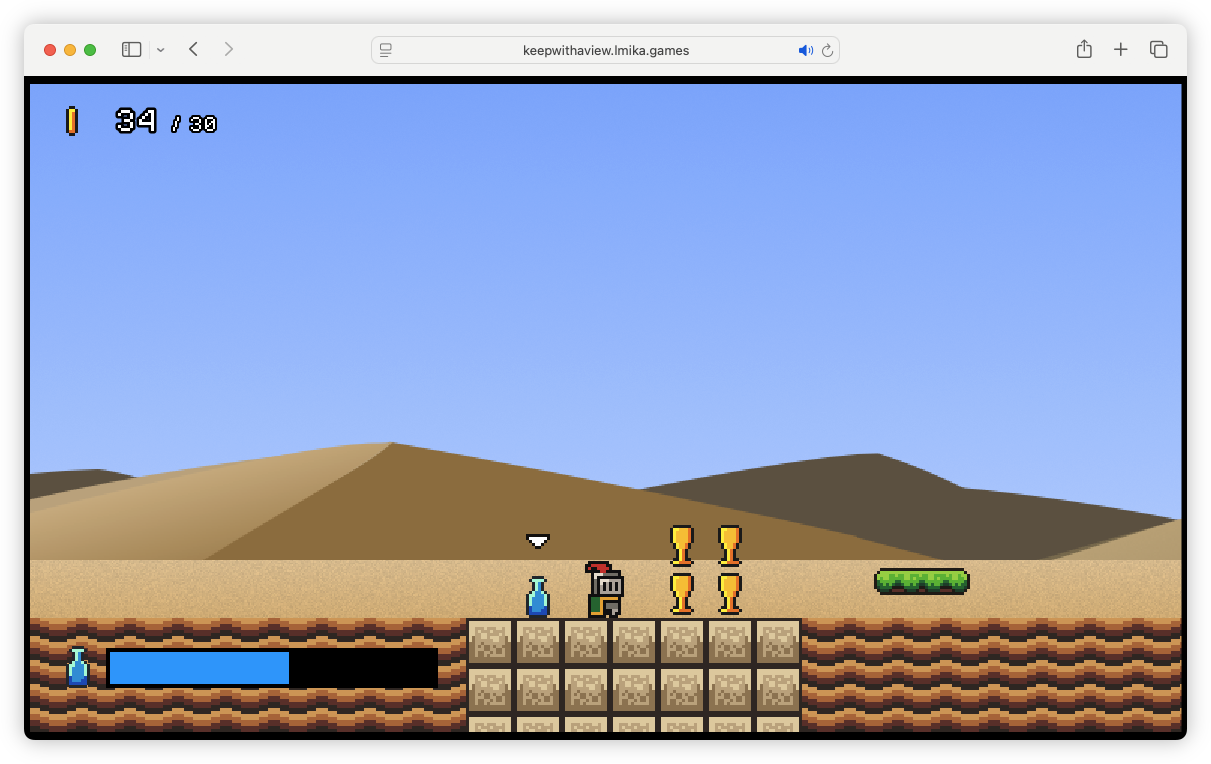
Treasure: Along with coins, you can collect treasure. While they can’t be used to satisfy a keep’s minimum coin count, they will contribute to the amount of capital you’ll use to buy the keeps at the end of the game. Treasure can either be a golden goblet (worth 25 coins each) or a crown (worth 40 points each).
Flasks: Flasks can give you a power-up for a brief amount of time. They can be consumed by pressing ⬆︎/W, and their effectiveness will be shown in the HUD at the bottom left. There are three different types of flasks, each with an individual colour:
- Water (blue): some call it “nature’s power-up.” Does nothing, really, but might be necessary to survive the hotter levels.
- Superjump (pink): provides a greater jumping height, plus a double-jump, for a short while.
- Invulnerability (amber): makes you invulnerable to hazards for a short while.
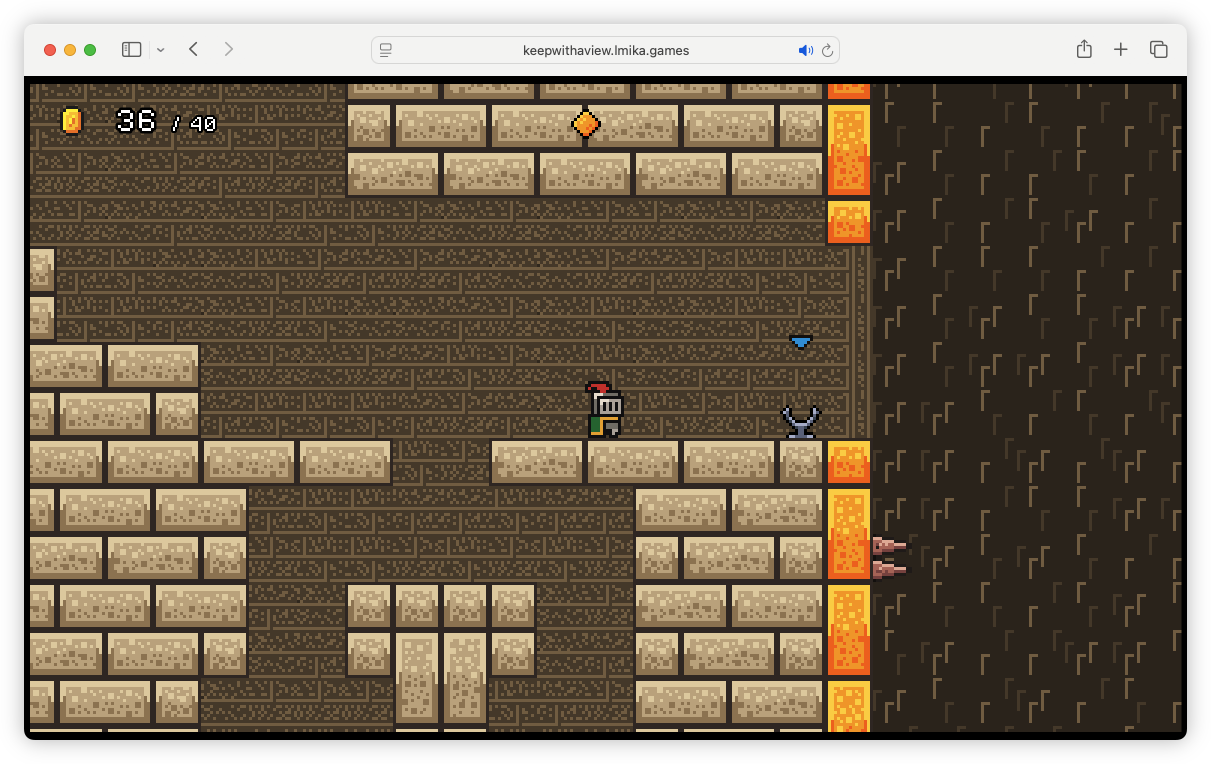
Key Gems: Diamond key gems can be used to activate lifts or open trapdoors. They come in four colours, and each one has an associated receiver, identified by the coloured arrow. Once you picked up a gem, you can place it on the receiver by pressing ⬆︎/W to activate anything that will respond to it. In many cases you can pick the gem back up from the receiver by pressing ⬆︎/W, although this may deactivate things.
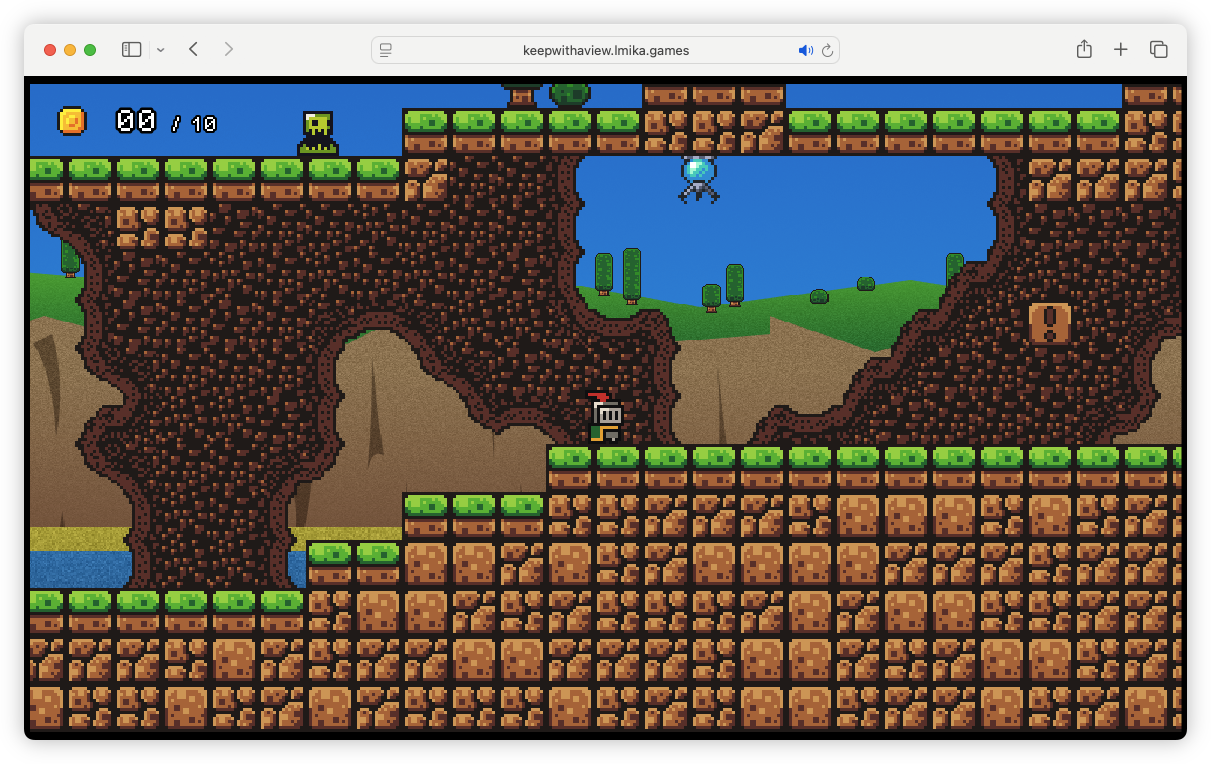
Monsters: Avoid.
Switches: Can be used to activate something. Will either come in the form of a ! block, which can be activated by hitting it from below; or a red floor switch, which can be activated by walking over it.
Toll Points: Will provide a checkpoint and will usually activate something to allow you to progress. Costs 5 coins to activate. Most levels will have free checkpoints too.
Doorways: Provides access to other areas of the map. Press ⬆︎/W to enter.
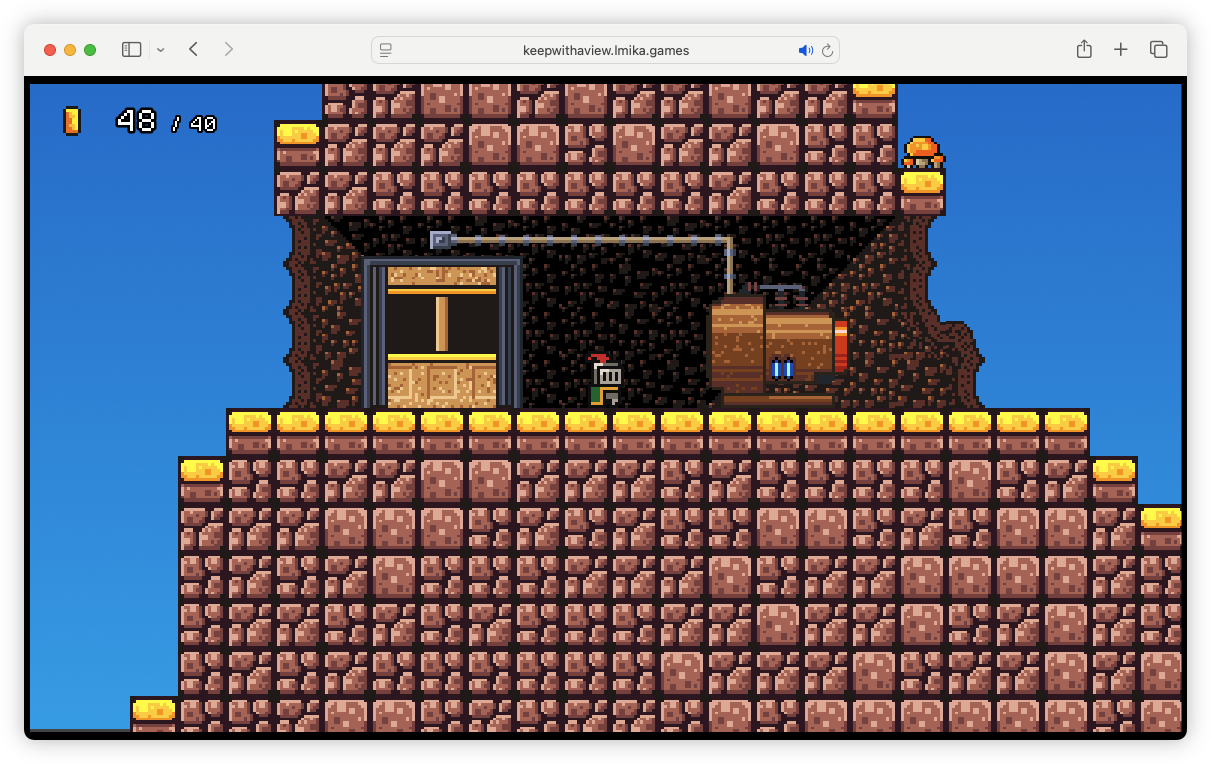
Cage Lifts: Provides access to other areas of the map. When a lift is present, press ⬆︎/W to enter and activate. You might be able to call a lift if one isn’t present by pressing ⬆︎/W by the cage door.
Generators: If a cage lift is out of order, it may need to be powered on. Look for a generator nearby and turn it on by pressing ⬆︎/W.
Secrets: Most maps have secret areas which will house additional treasure of power-ups. Many of them will be telegraphed in the tiles, so look carefully for regular patterns. Others are located in out-of-the-way areas, which may require some exploration.
Credits
Art assets from Brackeys’ Platformer Bundle.
Sound assets from Pixabay.
Thanks to Arone Sasau and Jason Burk for play-testing a really early version of this.