
Recent Changes to Raven
Making a note of some of the recent changes made to Raven, mainly for my own record.
First big addition, light mode. Wails defaults to dark mode, which the agents were happy to keep. I tried it for a while, but I am really a light mode person, so I asked the agents to change that for me. Tuning the colours took a little bit of trial and error: while the agent chose decent colours for the 16 predefined ones, they were a little too dark for my liking, so some tweaking was necessary.
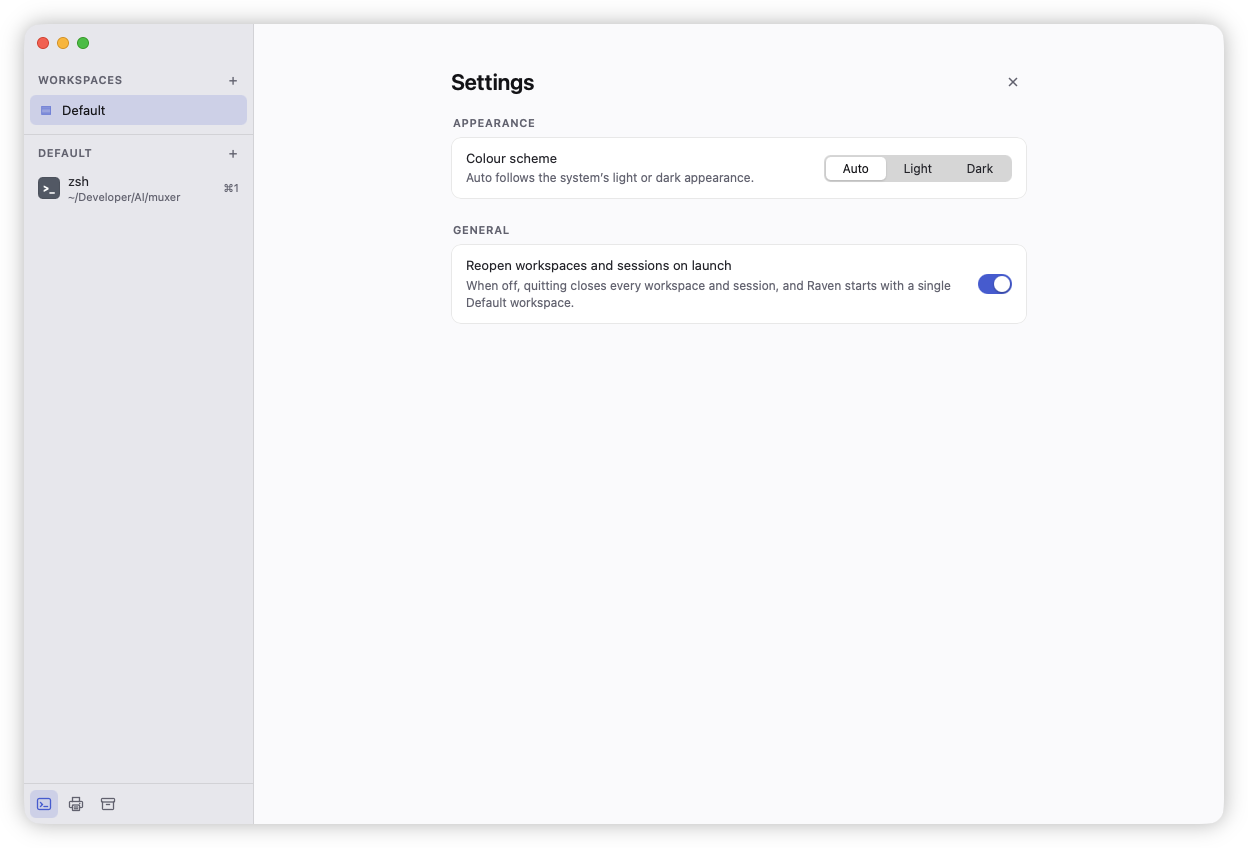
And speaking of tweaking, there is now a preference screen. This was added to support light and dark mode, but also to allow the user to control whether to reopen workspaces and sessions on quit and relaunch. This was the default for a while, despite being someone who prefers a clean slate whenever I launch an app. I tried it for a few days but I eventually relented and just made this a preference. It’s still on by default (this is a dev build which doesn’t have my actual preferences) but I’ve turned it off myself.
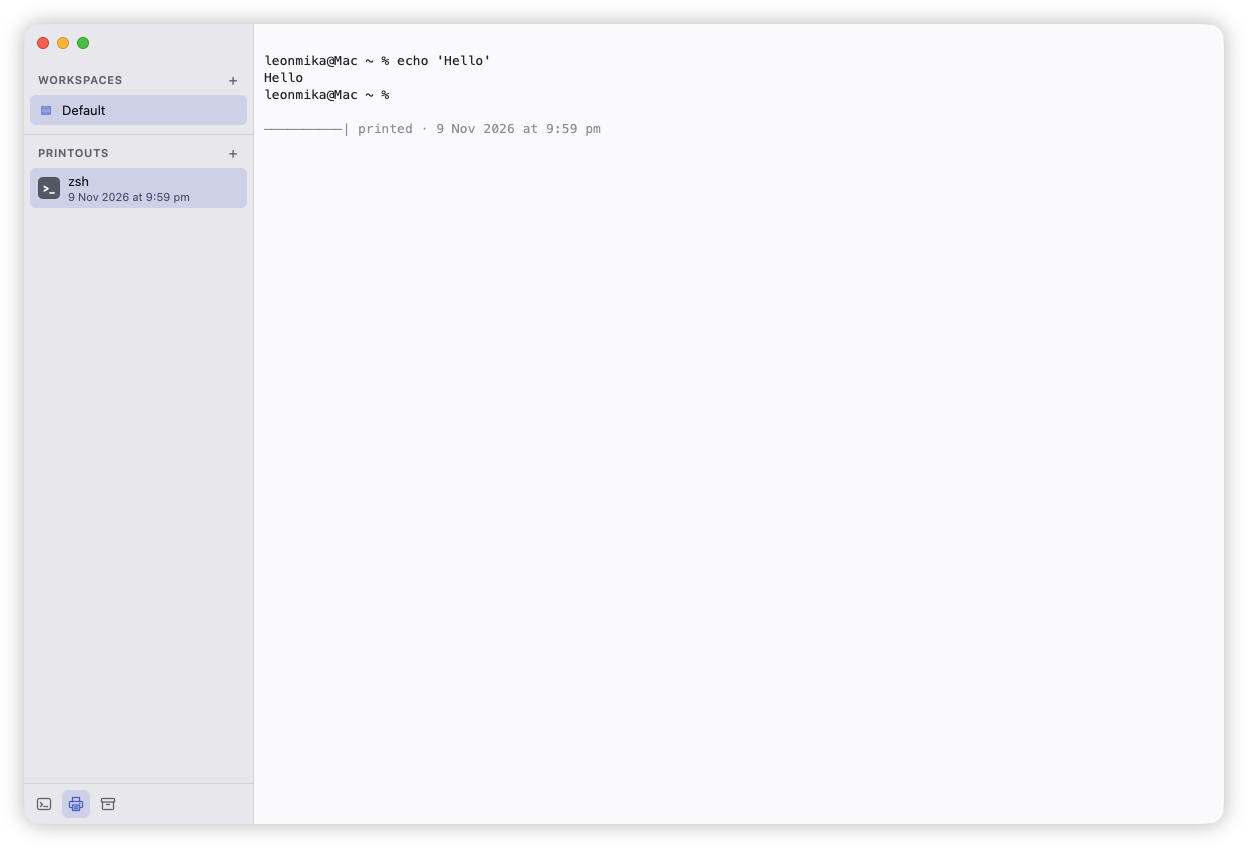
Another thing I added was “printouts”. These are snapshots of the scroll back that can be taken on any active session, allowing someone to refer to the screen after it’s changed or cleared. A new one can be made by pressing Cmd+P (this is intentionally taking over the bindings for printing a hard copy, something I rarely do in the terminal). This is a bit of an experiment more than anything. It was one of those features that I’m thinking would save me from myself. That hypothesis is yet to be tested as I haven’t actually needed to use this outside of testing it yet.
The other tab in the bottom bar is an archive. Whenever closing a session, a snapshot of the scroll back is taken, allowing the user to refer to what was one screen just before the session ended. This I know will help me, as there’ve been many times I closed a session, only to realise that I actually needed something that was there. These live on in the active workspace until that is closed (and even a bit after that until it’s purged).
One other thing that could potentially save me is the ability to set the session colour. For example, if you’ve logged into a production terminal, and you want to indicate this to yourself, you could set the background to a red colour. This is doable from within the command palette, or it could be integrated into scripts by sending a HTTP request to a local RPC endpoint. Yes, this terminal has a simple JSON-over-HTTP-based RPC for controlling (at the moment) the session’s colour and name. This is supplied to the session via the RAVEN_RPC environment variable, producing a random endpoint the session can use to send messages. This I hope to integrate with the tools I use to set up credentials which, again, is something for later.
There are a few other things, such as session reordering and the ability to create a new workspace by opening the workspace palette, typing in the name, and pressing Cmd+Enter. But I think that’s enough for now.