Some more work on Weiro. Much of it is pretty mundane, mainly to get it to feature parity with other CMS’s out there. Yes, I know the existence of those other CMS’s make the entire project pointless. Doubly so when you consider that much of what I’m going to talk about was largely done by coding agents. It made me wonder whether it was worth writing this update at all. Well, it’s drafted up already so I may as well finish it off. At least one thing will get finished.
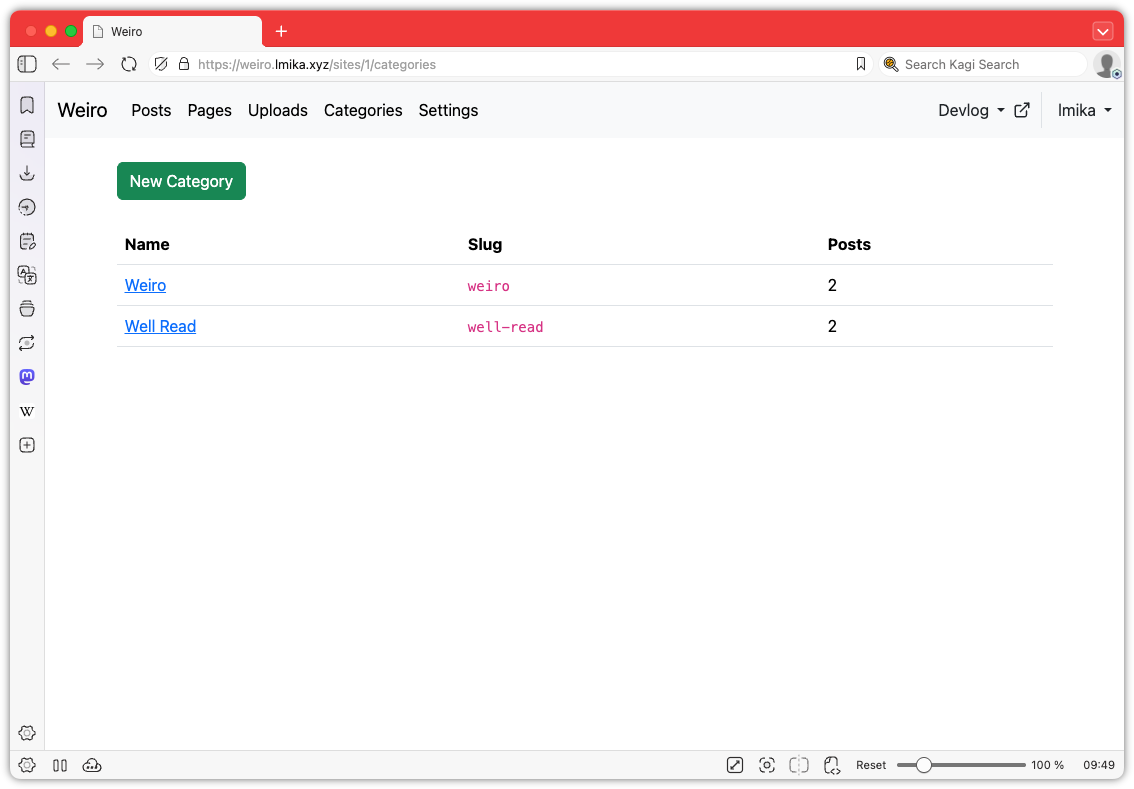
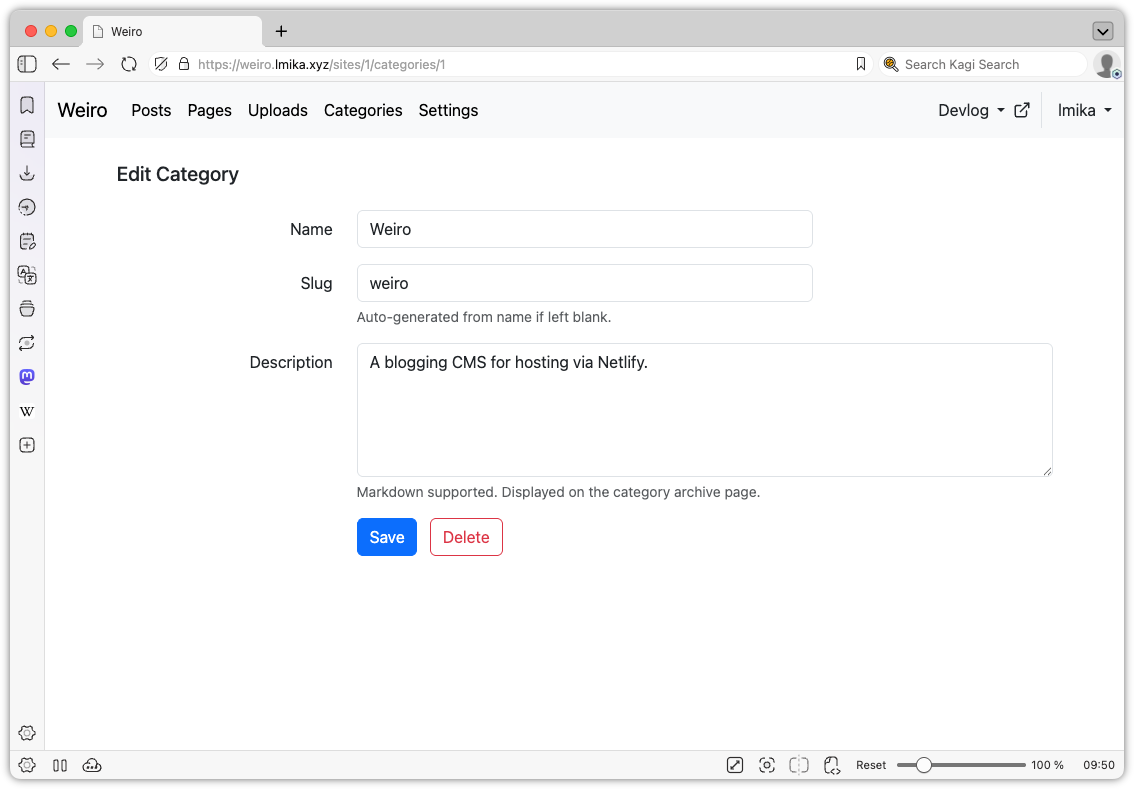
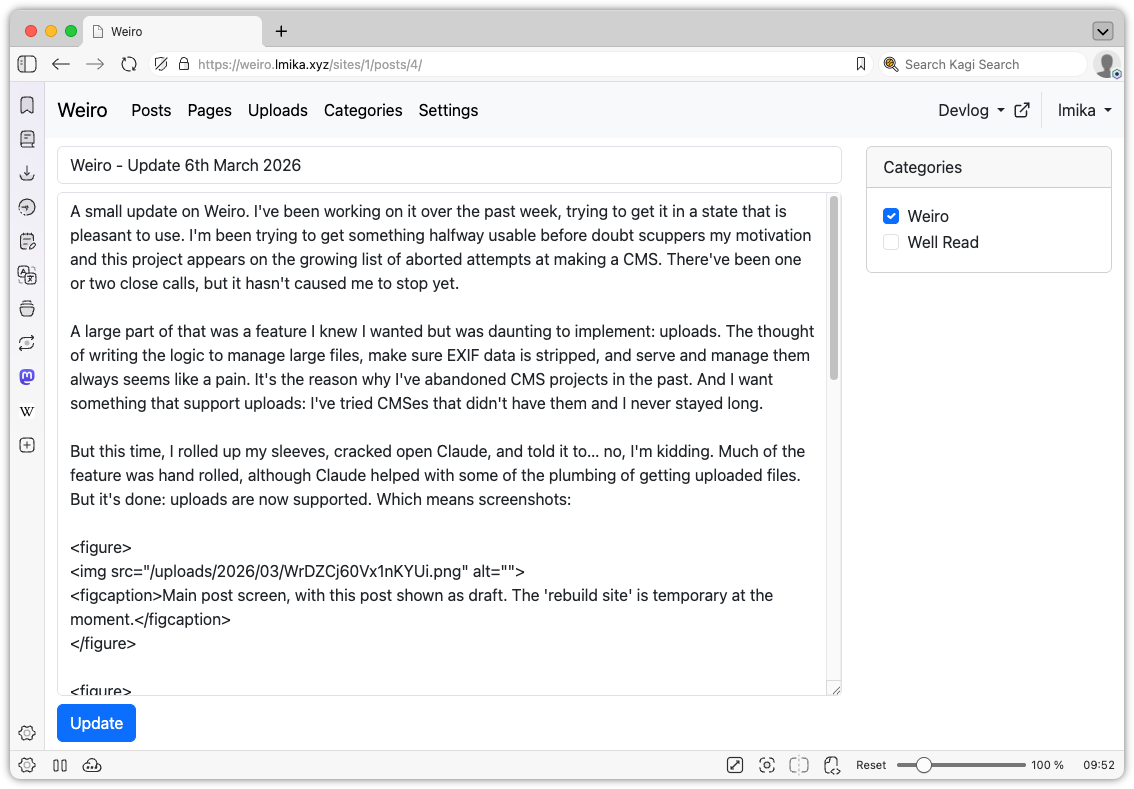
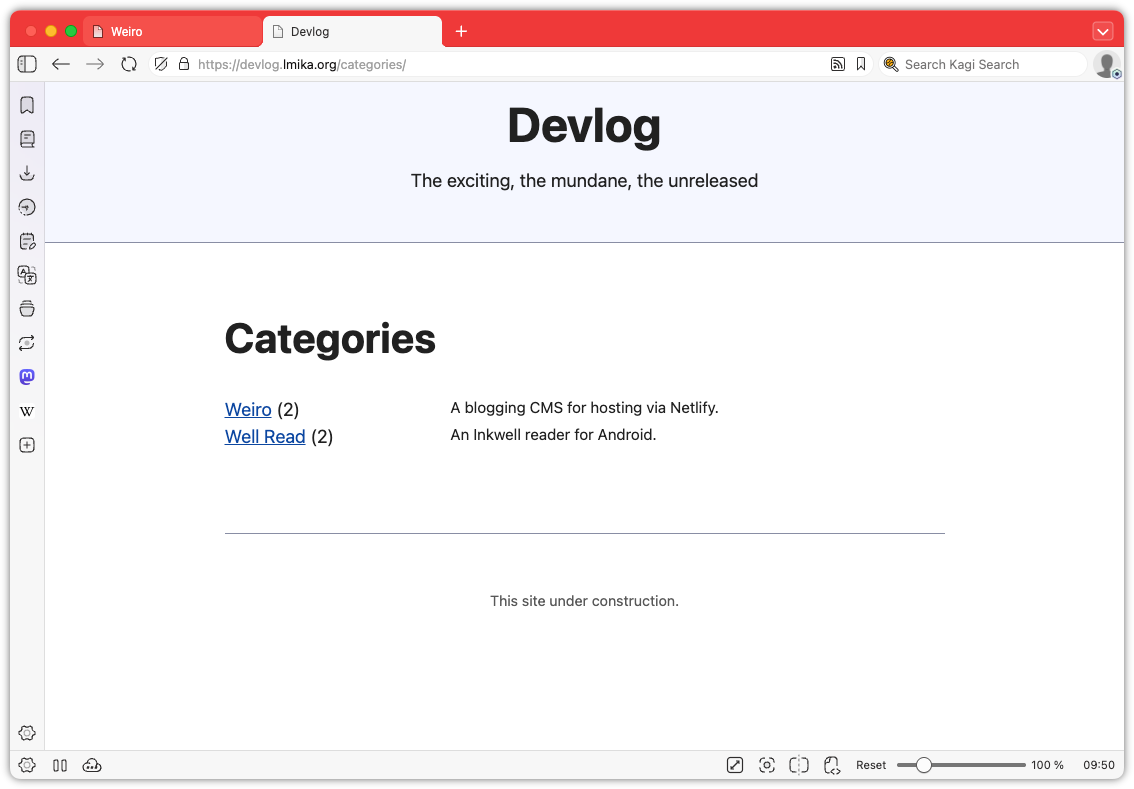
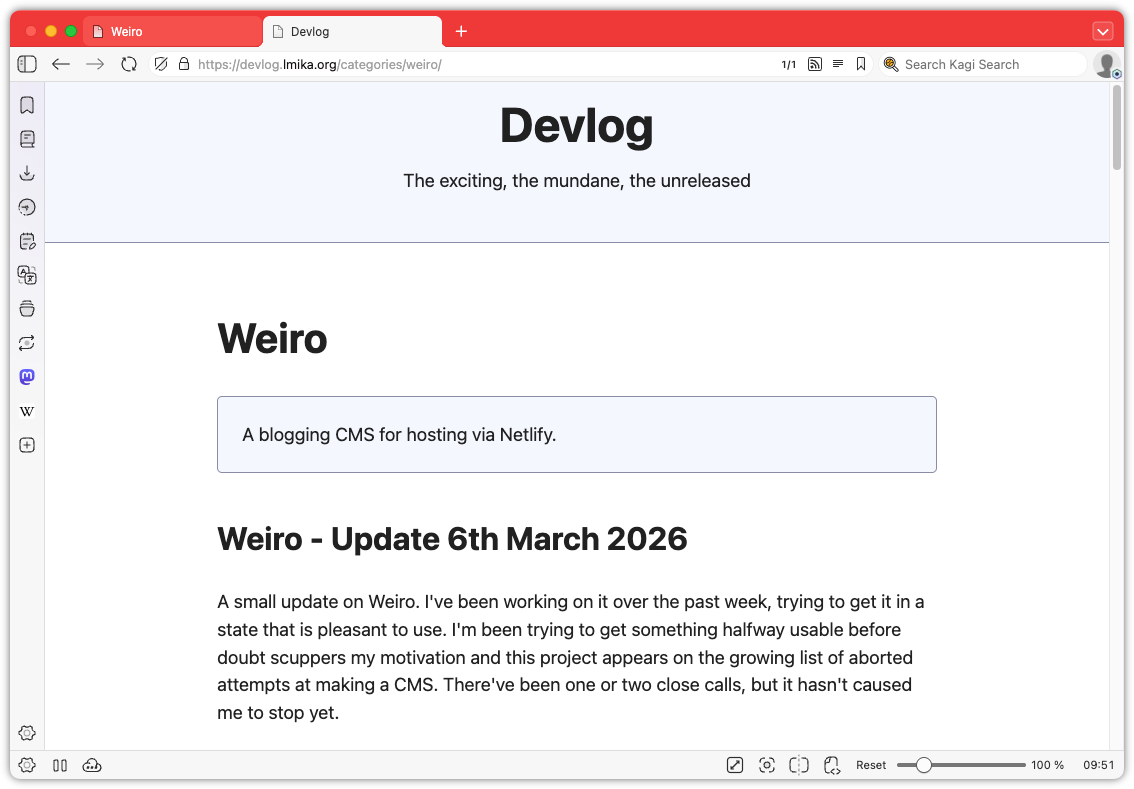
Okay, enough wallowing in my self-doubt. What was added? Well, categories are now a thing. These can be defined in a new categories section and consist of a label, a slug, and a description. Going to /categories/<slug> will list all the posts with that category. Posts can be in zero or more categories, which can be selected from the edit post screen. Pretty simple stuff.
The Categories section, where the user can manage categories.Editing a category.Selecting categories from within the edit post screen.The categories page as it appears on the published site.The single category page.
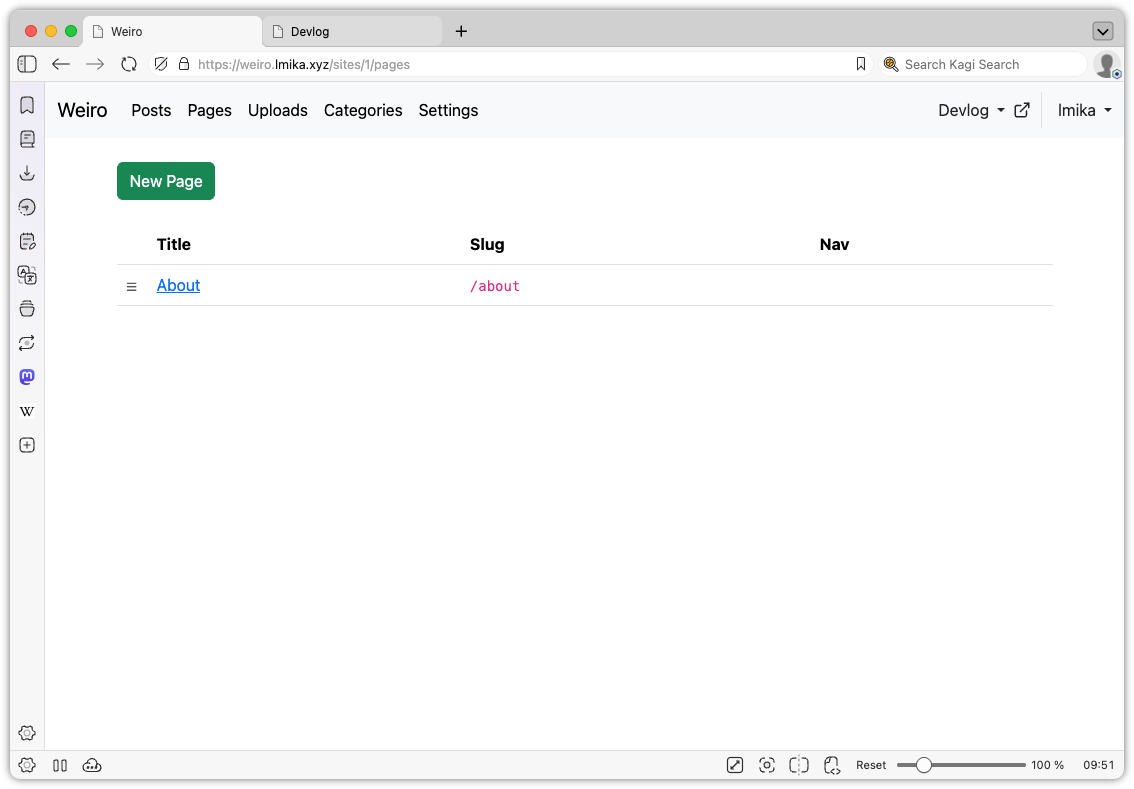
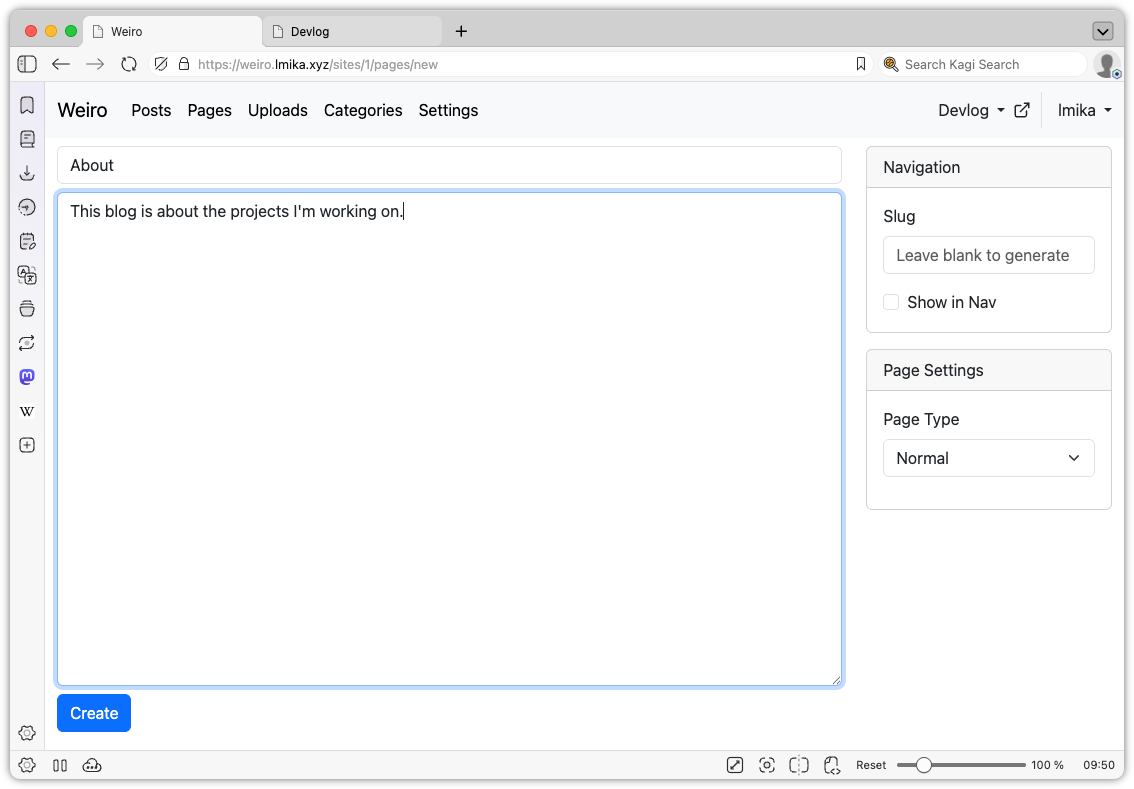
Another small thing added was pages. This allows the user to define “slash” pages, with the option of appearing in the nav bar, and can also be used to replace the home page, by setting the slug to / (the posts are still available at /posts). I do need to spend some more time figuring out how to organise the nav bar as I would also like to include things like redirects. I thinking of making that an extension of the pages model, but I’m not sure.
List of pages of a site.Editing a page. There’s only a single page type at the moment.
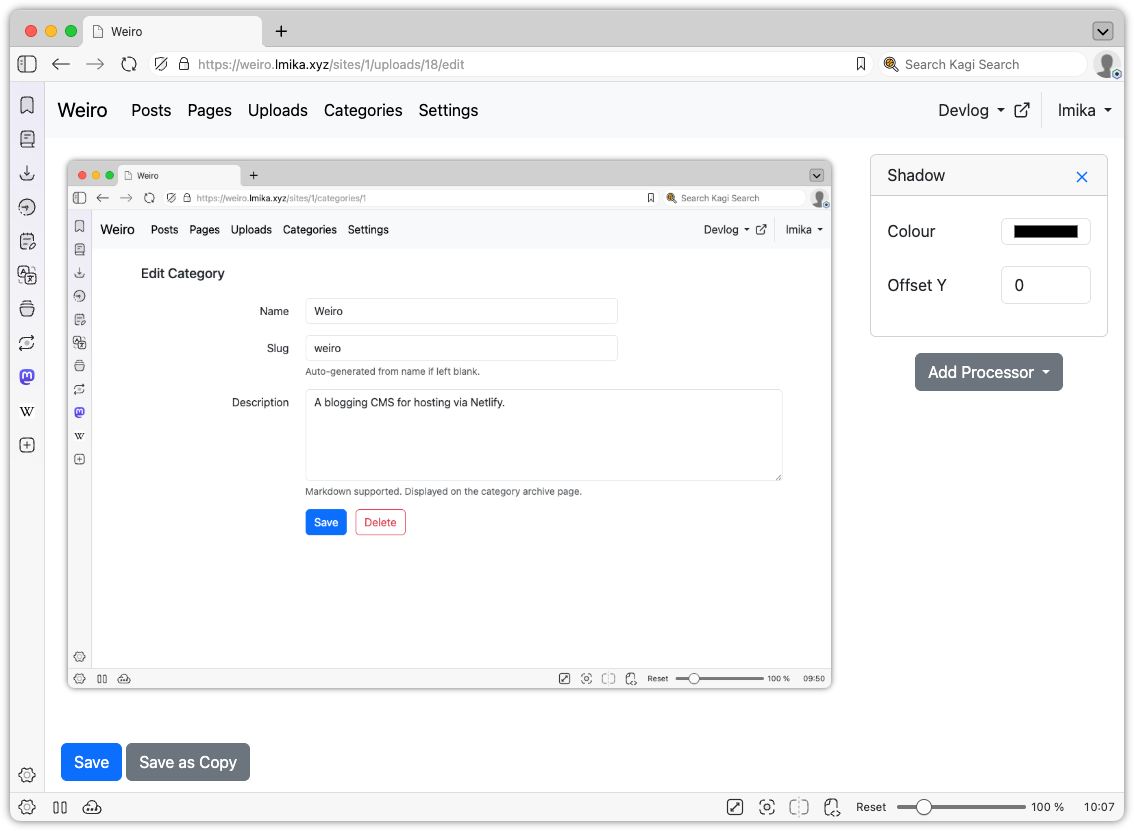
Those two features were mainly done with the help of Claude Code, but I did build some stuff manually. The largest addition was the ability to do some edits on uploaded images. I’ve never been a fan of how Apple produces the shadows around windows: the margins are just too large. So I added a way to do this within Weiro itself.
The edit upload feature.
It’s pretty simple. Just imagine the filter section from any image editor, then remove all the other features of that editor. Yeah, it’s that simple. There’s no cropping, rotating, or anything else of that nature: just a bunch of “processors” that you can add to the image, with the sole one being a drop shadow.
This is actually done server side using a simple file-based approach. When opening an image upload to edit, you spawn a session. Each session has a JSON file maintaining the processors, plus a series of cached image files of all the intermediate steps along the processing chain. When a new processor is added, a hash is computed with the processor’s properties, and if they change, the cached image will be regenerated. The processor includes the hash of the previous step too, so that if processors further up the chain are modified or remove, they will force a recompute of subsequent images. The user is then served the last image in the chain.
This differs from the image processor in Blogging Tools, which performed the transformations within the browser itself. The motivation there was to avoid the need of a slow upload of the image, but it came with the performance cost associated with doing the processing within the browser itself. WASM might be fast, but it’s not that fast[^fast]. Since the upload in Weiro is already uploaded, I figured it would be quicker to just do the image processing server side. My hope is that the computing power the server has access to would offset the time it takes to download the image. So far this seems to be the case.
Finally, I did some minor work around the UI, adding a site chooser and a much needed way to open the published site from the admin section.
So this project is still coming along, surprisingly. It’s probably the furthest I’ve got in a blogging CMS that I actually want to use. I do have a large list of things I want to add to it, and I certainly need to do something with the design of the actual site. It’s all a question of whether I’m interested in spending time on it.
[^fast]: Although to be fair, I think the slow down comes from encoding the processed image as a data URI and setting it as the source of an img tag.