
My Approach to Initting New exe.dev VMs
Spent some time organising a very simple approach to initialising new VMs created within exe.dev. I use exe.dev as a bit of a lab for agentic coding, and I spawn a new VM quite often if I need a new workspace. Trouble is, if I wanted to keep the project, I need to SSH in and manually configure Git and SSH access to my Forgejo instance. That’s a lot of copying and paste of codes and files.
After a bit of exploration, I think I’ve found an easier way to do this. It’s still manual, but less manual than what it was.
The first part is creating a “control VM” used to house the files needed for initting. These files will be made available to the other VMs via the VM-to-VM Integration. Once created, an internal endpoint will be made available to all VMs with tags known to the integration (using the tag auto:all will make it available to every VM in my account).
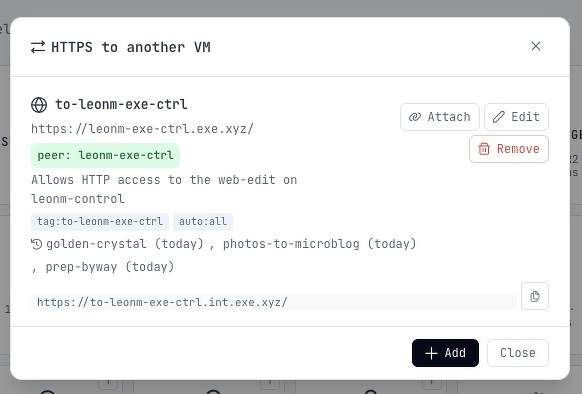
Next is to prepare the init files. I first tried using Simon Willison’s web-edit, since it had a web interface for editing these files. The issue is that it didn’t have an endpoint for fetching these files in plain text. So, I ripped off his idea and decided to vibe-code my own version of web-edit, called “web-pad”:
Initial prompt for web-pad
I need a very simple web editor, written in Go, which would allow me to see, edit, and upload files, which will be made available by a plain text HTTP call. This is how it should work:I open the browser at / I should see a list of files and directories within
my workspace, along with options to create or upload a file. This is the
“file browser”.
Clicking create brings me into the “file editor”. The editor has a text area
allowing me to enter a path, which can contain directories, relative to the
workspace. It also contains a text editor, probably Code Mirror, allowing me
to enter the file body. Clicking save, or pressing Cmd+S, will save the
contents of the text editor as a plain file in the path relative to the
workspace directory, creating any sub directories as necessary.
From the “file browser”, I should be able to see the file, and click on it to
open it. Any directories within the currently viewed directory I should be
able to navigate into and see the contents. Items in the “file browser”
should have checkboxes, allowing me to delete the selected file or
directories (directory deletes are recursive). I should not be able to leave
the base directory of the workspace.
There should also be a standard HTTP file server at path /ws allowing me to
read the contents of the file directly via HTTP. For example, if I were to
create a file at path example/hello.txt with the contents “Hello”, calling
GET /ws/example/hello.txt should return a text/plain response with the body
Hello.
There is to be no autentication: this will be running behind a firewall. The
server is to be written in Go and the frontend is to use vanilla JavaScript.
After a bit of back and forth, I had something which would serve my purpose. I can use the web UI to add new files, and these will be gettable in plain text from the /ws/ path.
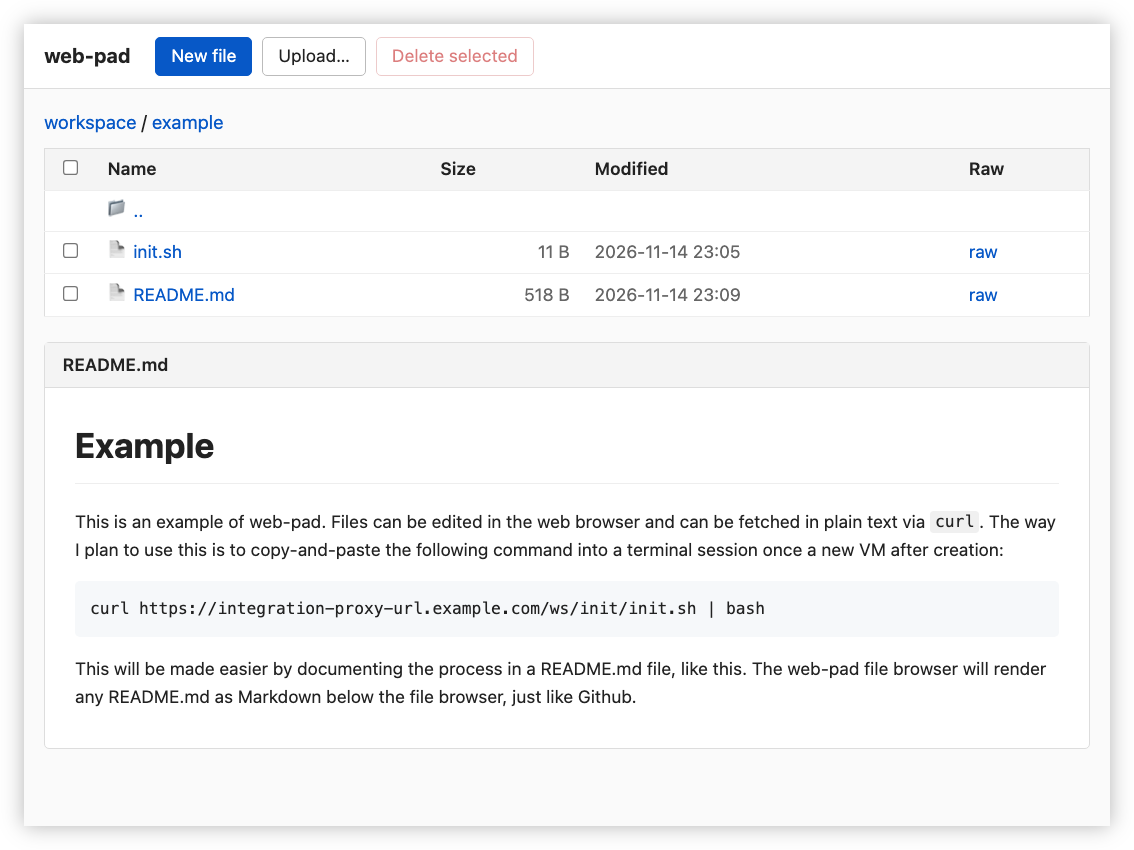
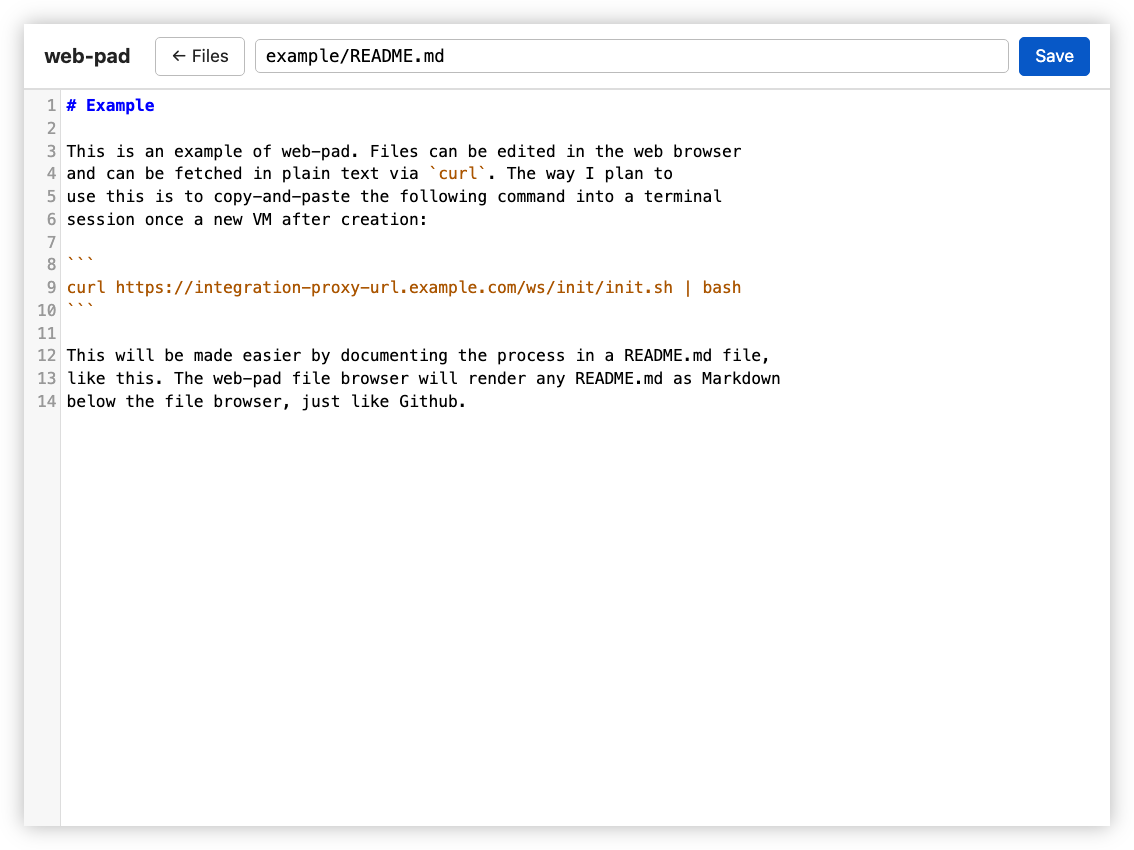
How would this be used? Essentially, I would prepare a shell script in web-pad, and for every new VM I create, I will use the “totally secure” approach of fetching it via curl and piping it into bash. This will execute the script, which will pull additional files, deploy them, and configure Git. Once that’s done, the machine will be ready for use.
I will admit this is not a perfect solution. A lot of this is relying on exe.dev’s security protection, including the private-by-default proxy settings. If that becomes problematic, I will revisit this. But after a few test calls, I think this is going to work.